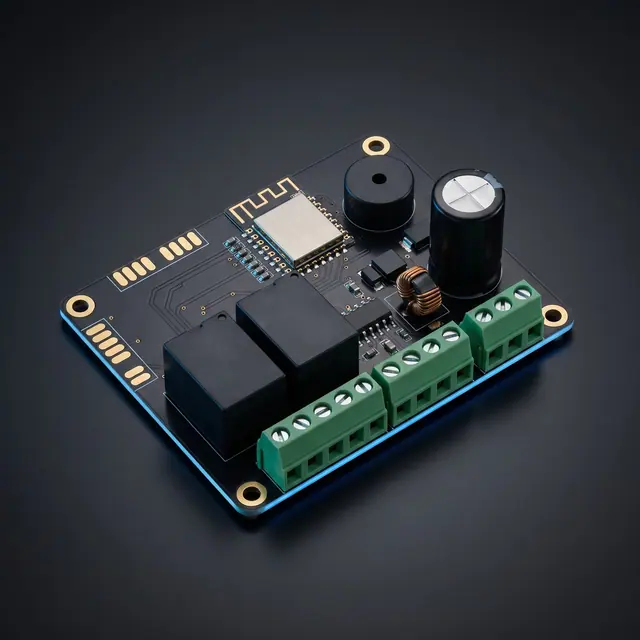
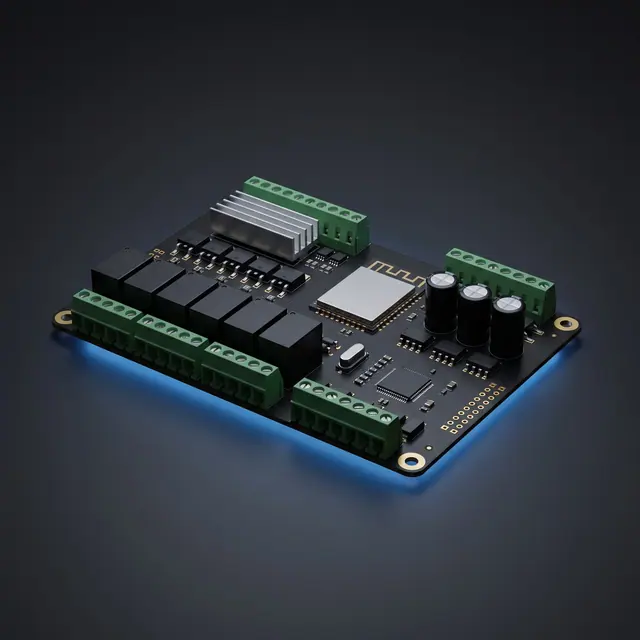
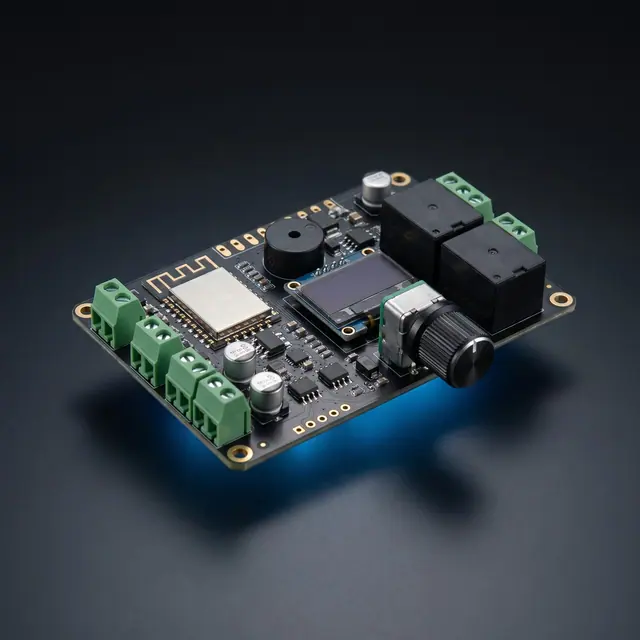
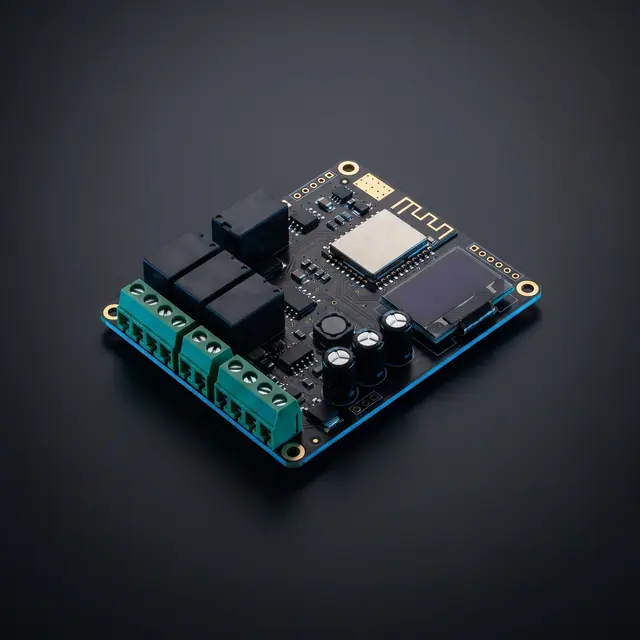
Код модели · CND-1101
Плата управления одним мотором
Управление движением, конечными положениями и позиционированием для систем с одним мотором.
Прейскурантная цена
110 $/ шт.
Цены указаны в USD без НДС. На экспортные поставки НДС не начисляется.
Прейскурантные цены носят информационный характер; окончательная цена определяется в письменном коммерческом предложении, которое мы вам направим.
MOQ · 10 шт.
Минимальный объём заказа — это оптовое условие для закупок производителей и дилеров. Для отдельного проекта достигать этого количества не нужно: свяжитесь с нами, чтобы заказать столько, сколько вам требуется.
Связаться по отдельному проектуТехнические данные
- Код модели
- CND-1101
- Категория
- Платы управления
- Архитектура
- Standalone
- Единица измерения
- шт.
- MOQ
- 10 шт.
Техническая документация
Технический документ
Ревизия 1
Это техническое описание представлено на английском языке; с вопросами обращайтесь к нашей команде.
Overview
CND-1101 Single Motor Control Unit is an industrial automation control board designed for single DC motor drives used in pergola and awning systems. It operates within a 12–24V DC input voltage range and supports up to 10A motor current. With its built-in Hall-Encoder input, it precisely tracks the motor position. Integration with smart home systems is provided through dry contact and shutter inputs. It offers professional installation and ease of use with an audible warning buzzer, limit buttons, and wireless communication module.
Connectors & Pinout
CN1Power & Motor Output
| Pin | Signal | Description |
|---|---|---|
| 1 | 12–24V DC (+) | Supply voltage positive input |
| 2 | 12–24V DC (+) | Supply voltage positive input (parallel) |
| 3 | Motor Forward | Motor forward direction power output |
| 4 | Motor Reverse | Motor reverse direction power output |
CN2Hall-Encoder Input
| Pin | Signal | Description |
|---|---|---|
| 5 | Encoder GND (−) | Hall-Encoder negative supply |
| 6 | Encoder VCC (+) | Hall-Encoder positive supply |
| 7 | Encoder A | Hall-Encoder phase A signal |
| 8 | Encoder B | Hall-Encoder phase B signal |
CN3Shutter & Dry Contact Inputs
| Pin | Signal | Description |
|---|---|---|
| 9 | Shutter N | Shutter neutral connection |
| 10 | Shutter Down | Shutter down command |
| 11 | Shutter Up | Shutter up command |
| 12 | Dry Contact Down | Dry contact — down direction |
| 13 | Dry Contact Up | Dry contact — up direction |
| 14 | Dry Contact COM | Dry contact common |
Electrical Specifications
| Parameter | Value |
|---|---|
| Input Voltage | 12–24V DC |
| Max. Input Current | 10A |
| Motor Output Current | 10A (continuous) |
| Motor Type | DC Motor (Forward / Reverse) |
| Encoder Support | Hall-Effect Quadrature (A/B phase) |
| Dry Contact | 2 channels (Up / Down) + COM |
| Shutter Input | 3 channels (N / Up / Down) |
| Wireless | Wi-Fi + Bluetooth |
| Audible Warning | Built-in buzzer |
| Limit Setting | On-board Up/Down limit buttons |
| Protection | Overcurrent, short circuit, thermal protection |
| Operating Temperature | −20°C ~ +60°C |
| PCB Size | 120 × 80 mm |
| Mounting | Enclosure mounting (DIN rail optional) |
Features
Hall-Encoder Position Tracking
Precisely records the motor open/close position with quadrature encoder support. Position memory is preserved after power interruption.
Smart Home Integration
Directly integrates with KNX, smart home panels, and automation systems through shutter and dry contact inputs.
Wireless Control
Motor control via mobile app or remote control through Wi-Fi and Bluetooth connectivity.
Limit Buttons
Motor travel limits are easily set using the on-board Up Limit and Down Limit buttons.
Bidirectional Motor Driver
10A H-Bridge motor driver with Forward/Reverse direction control. Soft start and stop support.
Audible Feedback
Built-in buzzer provides audible alerts when limits are reached, during pairing mode, and in error conditions.
Buttons & Indicators
- SW3 — Down Limit
- Short press: Saves the lower limit position. Long press: Deletes the saved lower limit.
- SW4 — Up Limit
- Short press: Saves the upper limit position. Long press: Deletes the saved upper limit.
- Buzzer
- Provides audible feedback with different beep patterns for limit recording, mode changes, and error conditions.
Installation & Commissioning Guide
Up Limit (SW4)
Short press: Saves the upper limit position.
Long press: Cancels / deletes the saved upper limit.
Down Limit (SW3)
Short press: Saves the lower limit position.
Long press: Cancels / deletes the saved lower limit.
SW3 + SW4 Together
Changes the operating mode. Toggles between Single Mode and Free Mode.
Step 1
Lower Limit Definition
Ensure all cable connections are correct. Move the motor to the lower limit point and switch to Single Mode.
- Press SW3 + SW4 buttons together to check the operating mode.
- If buzzer gives 3× short beep, Single Mode is active. If 2× short beep, press again to switch to Single Mode.
- Move the motor to the desired lower limit position.
- Press the Down Limit (SW3) button once briefly.
- When the buzzer gives 1× long beep, the lower limit has been successfully saved.
Tip: If no buzzer sound is detected, make sure you pressed the button firmly.
Warning: To delete the limit, long press the same button. Buzzer confirms with 3× long beep.
Step 2
Upper Limit Definition
After the lower limit is saved, move the motor to the upper limit point.
- Move the motor to the desired upper limit position.
- Press the Up Limit (SW4) button once briefly.
- When the buzzer gives 2× long beep, the upper limit has been successfully saved.
Tip: After saving the upper limit, the system is ready for use.
Warning: To delete the limit, long press the same button. Buzzer confirms with 3× long beep.
Buzzer Signal Codes
| Signal | Description |
|---|---|
| 2× short beep | Free Mode active |
| 3× short beep | Single Mode active |
| 1× long beep | Limit successfully saved |
| 2× long beep | Upper limit saved — system ready for use |
| 3× long beep | Limit successfully deleted |
Operating modes
Single Mode
Standard operating mode. Motor operates in a controlled manner between the defined upper and lower limit positions.
- Soft Start / Soft Stop feature active
- Precise position tracking via Hall-Encoder
- Stall detection active
- Automatic stop at limit positions
- Position memory preserved after power interruption
Free Mode
Manual test and maintenance mode. Should only be used by authorized technicians.
- Limit control disabled
- Stall detection disabled
- Position tracking disabled
- Motor moves freely
Warning: When exiting Free Mode, position counters and limit data are reset. Limits must be redefined.
Important Notes
- The board must be mounted inside an enclosure. Do not expose directly to outdoor conditions.
- Before connecting the motor, ensure the supply voltage is correct.
- Encoder cable length should not exceed 3 meters; use shielded cable for longer distances.
- Dry contact inputs must be potential-free (volt-free).
- Motors should not be operated without setting the limits.
Installation must be carried out by a qualified electrician in accordance with applicable regulations.
Видео
Видео о товаре
Презентационный ролик CND-1101На английскомОбзор · 0:26
Связанные изделия